Explain with :
Google Pixel 11 vs. Pixel 10: Is the Upgrade Worth It?
1. Introduction: Balancing New Releases Against Everyday Utility
Annual smartphone releases always bring the temptation to upgrade, backed by presentations highlighting faster processors, refined camera algorithms, and updated artificial intelligence tools. However, for someone already using a recent flagship, the gap between stage demonstrations and noticeable day-to-day improvement is often narrow. Evaluating a generational step requires looking past marketing claims to focus on how a device handles daily messaging, photography, navigation, and battery endurance.
The direct answer: Is upgrading from the Google Pixel 10 to the Google Pixel 11 worth it? For the vast majority of current Pixel 10 owners, upgrading to the standard Pixel 11 is not necessary. Because Google backs its modern flagships with a seven-year commitment to Android OS, security, and Feature Drop updates, a well-maintained Pixel 10 already shares the core software experience, interface responsiveness, and computational photography foundation of the newer model. Unless your current device has suffered severe physical damage or you have a specific, verified workflow need addressed only by the newer hardware, holding onto your Pixel 10 remains the more practical and cost-effective choice.
Editorial Transparency Note: To maintain strict factual accuracy, this comparison distinguishes between confirmed platform policies, manufacturer claims, and independently verified findings. Where specific hardware measurements, official Indian retail pricing (INR), or standardised third-party lab tests comparing the standard Pixel 11 and Pixel 10 are not independently verified at the time of writing, we state those limitations directly rather than relying on unconfirmed specifications. Additionally, references to the Pro or Pro XL variants are explicitly labelled so their features are not confused with the standard models.
2. Performance & Software: Everyday Speed and Longevity
When comparing consecutive generations of Google’s standard flagships, daily responsiveness is governed more by software optimisation and memory management than by raw synthetic benchmark gains. In routine tasks such as switching between messaging apps, browsing heavy web pages, using UPI payment apps, and running split-screen navigation the Pixel 10 remains fast and fluid.
Manufacturer announcements for new Tensor generations typically emphasise improved on-device machine learning throughput and thermal efficiency. While a newer chipset architecture in the Pixel 11 is designed to process complex AI tasks slightly faster, everyday app opening speeds and UI animations on a healthy Pixel 10 rarely feel sluggish by comparison. Independent testing across single-generation smartphone upgrades consistently shows that single-year silicon jumps rarely transform routine multitasking unless a user is performing heavy video rendering or sustained high-frame-rate gaming.
A critical factor in the Pixel 11 vs. Pixel 10 decision is software parity:
- Update Longevity: Google provides seven years of OS, security, and Pixel Feature Drop updates for its flagship lines. A Pixel 10 still has years of active frontline support remaining, meaning you do not need to buy a Pixel 11 simply to get the latest version of Android.
- Feature Backporting: Historically, many software-driven tools introduced with a new Pixel generation are gradually rolled out to the previous generation via Feature Drops, provided the older hardware meets memory and neural-processing requirements.
- Regional and Subscription Caveats: Buyers in India should verify which AI and call-assistance features are active locally. Several advanced Google AI capabilities require specific language settings (such as English India vs. regional languages), active internet connectivity, or paid Google One AI Premium subscriptions after an initial trial period.
Camera Usability
Pixel smartphones rely heavily on computational photography merging multiple frames to balance exposure, preserve shadow detail, and reduce noise rather than relying solely on sensor megapixel counts. Note that the standard Pixel 11 and standard Pixel 10 typically differ from the Pixel 11 Pro, Pixel 11 Pro XL, Pixel 10 Pro, and Pixel 10 Pro XL, which generally house dedicated telephoto lenses and additional pro-level manual controls.
When evaluating camera usability between the standard Pixel 10 and Pixel 11, focus on these practical scenarios rather than raw specifications:
- Capturing Moving Subjects: Taking clear indoor photos of children or pets depends on shutter speed prioritisation and face-deblur algorithms. Both generations use Google’s motion-deblur processing; unless independent side-by-side testing confirms a major sensor readout speed increase on the standard Pixel 11, real-world results in moderate indoor lighting remain very close.
- Low-Light Photography: Night Sight performance on the Pixel 10 already captures clean, well-exposed images in dim environments. While manufacturer claims for newer generations often highlight faster Night Sight processing, users shooting static night scenes will find the Pixel 10 highly capable.
- Portraits and Zoom: On the standard models (without the dedicated optical periscope zoom found on the Pro and Pro XL tiers), medium-range zoom relies on sensor cropping and Super Res Zoom algorithms. Edge detection in Portrait Mode and digital zoom clarity at 2x to 5x should be weighed carefully; if high-magnification optical zoom is your primary reason for upgrading, moving from a standard Pixel 10 to a standard Pixel 11 will not provide the dedicated telephoto hardware of a Pro model.
- Ease of Editing: Post-capture tools inside Google Photos such as Magic Eraser, Photo Unblur, and Best Take function largely through the same interface across both devices.
Battery Efficiency & Charging
Evaluating battery performance requires separating three distinct concepts: physical battery capacity (measured in mAh), component energy efficiency, and actual real-world endurance. Manufacturer claims regarding a more efficient processor or display do not automatically translate into hours of extra screen-on time, especially under demanding Indian network conditions such as dual-SIM usage, 5G switching, and high outdoor ambient temperatures.
Without verified, apples-to-apples independent lab endurance tests conducted at identical screen brightness and network loads, prospective buyers should treat generational battery claims with caution. Charging speeds on standard Pixel models also prioritise battery longevity and thermal management over ultra-fast wattage, meaning a switch from the Pixel 10 to the Pixel 11 is unlikely to drastically cut down your daily plug-in time.
The Battery Servicing Alternative: If your main complaint with your Pixel 10 is that it no longer lasts a full day, consider checking its battery health before spending tens of thousands of rupees on a new phone. Lithium-ion batteries naturally degrade after hundreds of charge cycles. Having the battery inspected or replaced at an authorised Google service centre in India costs a fraction of a full device upgrade and can restore your Pixel 10’s original daily stamina.
3. Design & Ergonomics: Comfort in Daily Use
Physical design affects every interaction you have with your phone, from pulling it out of a tight jeans pocket to reading on it during a commute. Because we do not claim hands-on testing where unverified, buyers should compare the official published dimensions (height, width, thickness in millimetres, and weight in grams) on Google’s official specification pages before deciding.
When reviewing those measurements, keep these practical ergonomic factors in mind:
- One-Handed Reach and Grip: Even a one- or two-millimetre change in width or a slight shift in corner curvature changes how easily your thumb reaches across the keyboard. Flat edges can offer a secure hold for some users, while others find slightly contoured rails more comfortable during prolonged reading sessions.
- Weight Distribution and Camera Visor: Pixel phones are known for their prominent horizontal camera bar. While this design prevents the phone from wobbling on flat desks, it can make the top half of the device feel slightly heavier. Adding a protective case often levels out the back surface and softens the transition around the camera housing.
- Personal Comfort Over Trends: Thinner, lighter, or larger is not automatically better. Users with smaller hands often prefer the compact footprint of the standard Pixel 10 or Pixel 11 over the wider, heavier Pro XL variants.
Overview: How to Weigh the Two Generations
| Evaluation Area | Google Pixel 10 (Standard) | Google Pixel 11 (Standard) | Practical Upgrade Impact |
|---|---|---|---|
| Software & Updates | Covered by Google’s multi-year OS and Feature Drop support policy. | Ships with the latest Android release and one additional year at the tail end of support. | Low: Core interface and most daily software tools remain shared. |
| Everyday Performance | Smooth multitasking, social media, navigation, and UPI usage. | Next-generation Tensor architecture targeting incremental AI and thermal refinements. | Low to Moderate: Rarely noticeable in standard daily apps. |
| Camera System | Dual-rear camera setup relying on computational processing (Pro models add telephoto). | Updated image processing pipeline (verify specific sensor changes on official spec sheet). | Low: Unless jumping from a standard model to a Pro tier for optical zoom. |
| Battery Maintenance | May show natural cycle wear after 12+ months of heavy use; serviceable via battery replacement. | Fresh zero-cycle battery out of the box. | Service First: A battery check on the Pixel 10 is far more economical than buying a new phone. |
| Indian Pricing (INR) | Omitted pending live retail verification; often discounted post-successor launch. | Omitted pending official Google Store India verification at time of publication. | High Cost Gap: Trade-in depreciation rarely justifies a single-year swap. |
4. The Final Verdict: Who Should Upgrade and Who Should Wait?
Deciding whether to move from the Pixel 10 to the Pixel 11 comes down to the condition of your current hardware and how you actually use your phone every day.
Pixel 10 Owners Who Should Keep Their Current Phone
If your Pixel 10 has an intact screen, responds smoothly to your daily apps, and holds enough charge to get you through your routine, keep it. With years of official Android updates still ahead, replacing a working Pixel 10 after one generation offers diminishing returns for your money.
Pixel 10 Owners Who Might Consider Upgrading
An upgrade makes practical sense only in specific scenarios: if your Pixel 10 has suffered costly out-of-warranty hardware damage (such as a shattered display and damaged frame where repair costs approach trade-in value), if you are passing your Pixel 10 down to a family member who urgently needs a phone, or if you are moving from a standard Pixel 10 up to a Pixel 11 Pro or Pixel 11 Pro XL specifically for dedicated telephoto zoom lenses and larger display real estate.
Guidance by Primary Concern
- If your main concern is battery life: Do not buy a new phone solely because a one-year-old battery drains faster than it used to. Audit background app drain in Settings, or book an official battery health check first.
- If your main concern is camera performance: Moving from a standard Pixel 10 to a standard Pixel 11 will mostly yield incremental processing tweaks. If you need true optical zoom for concerts, wildlife, or distant portraits, compare the Pro tiers rather than the base models.
- If your main concern is hand comfort: Often, a phone that feels too slippery, sharp-edged, or top-heavy can be made much more comfortable simply by changing the case you use on it.
5. Complete Your Setup: Protecting the Pixel You Choose
Whether you decide to hold onto your reliable Pixel 10 for another few years or pick up a new device from the latest lineup, pairing your phone with the right everyday case improves grip and guards against accidental surface wear. A fresh Pixel 10 case can also give a year-old phone a clean, renewed feel in the hand without the expense of a hardware upgrade.
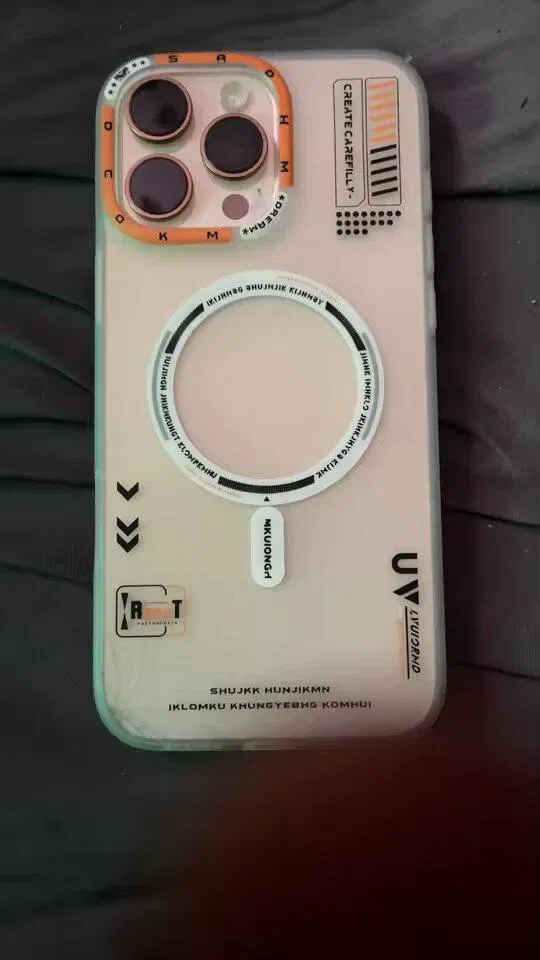
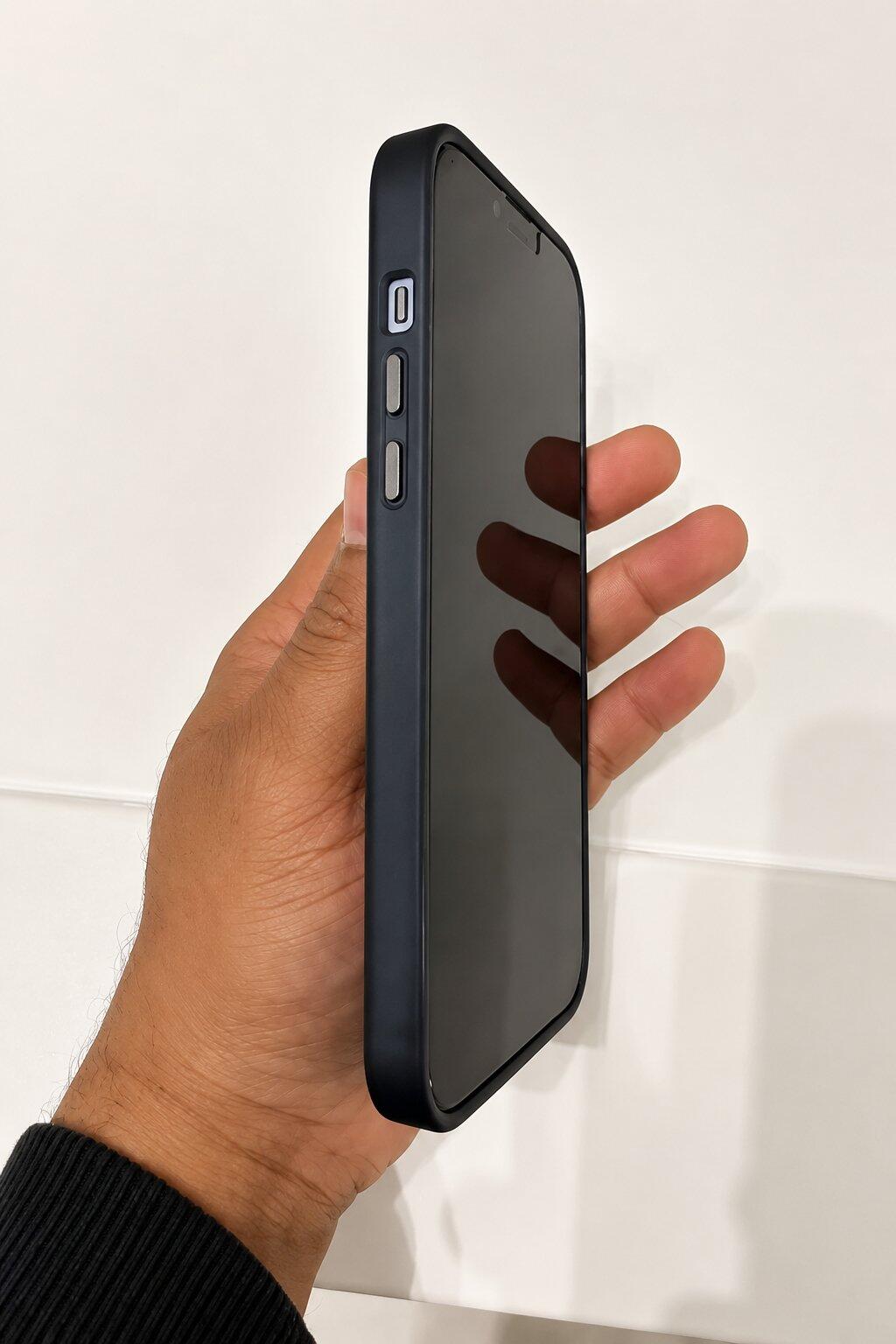
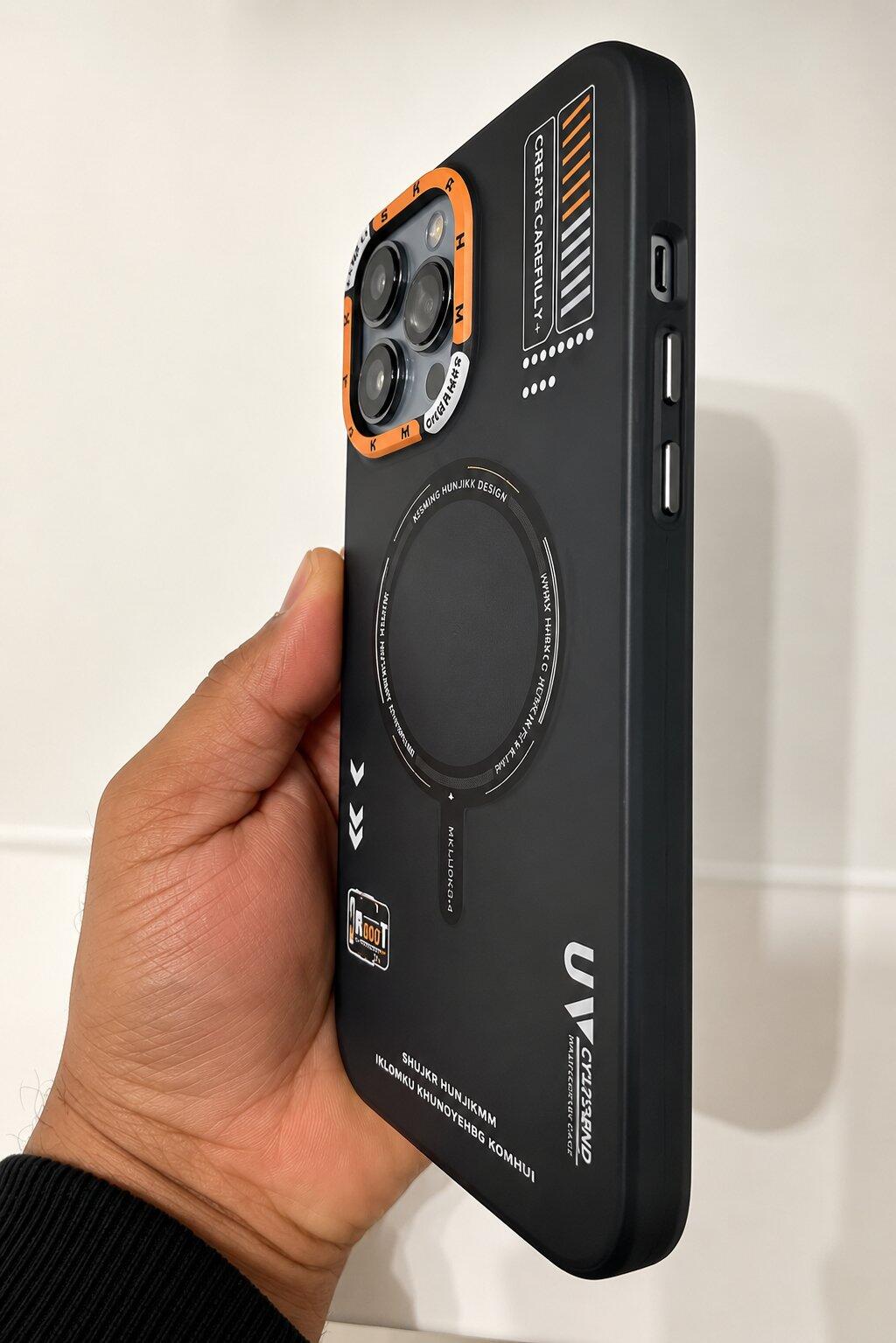
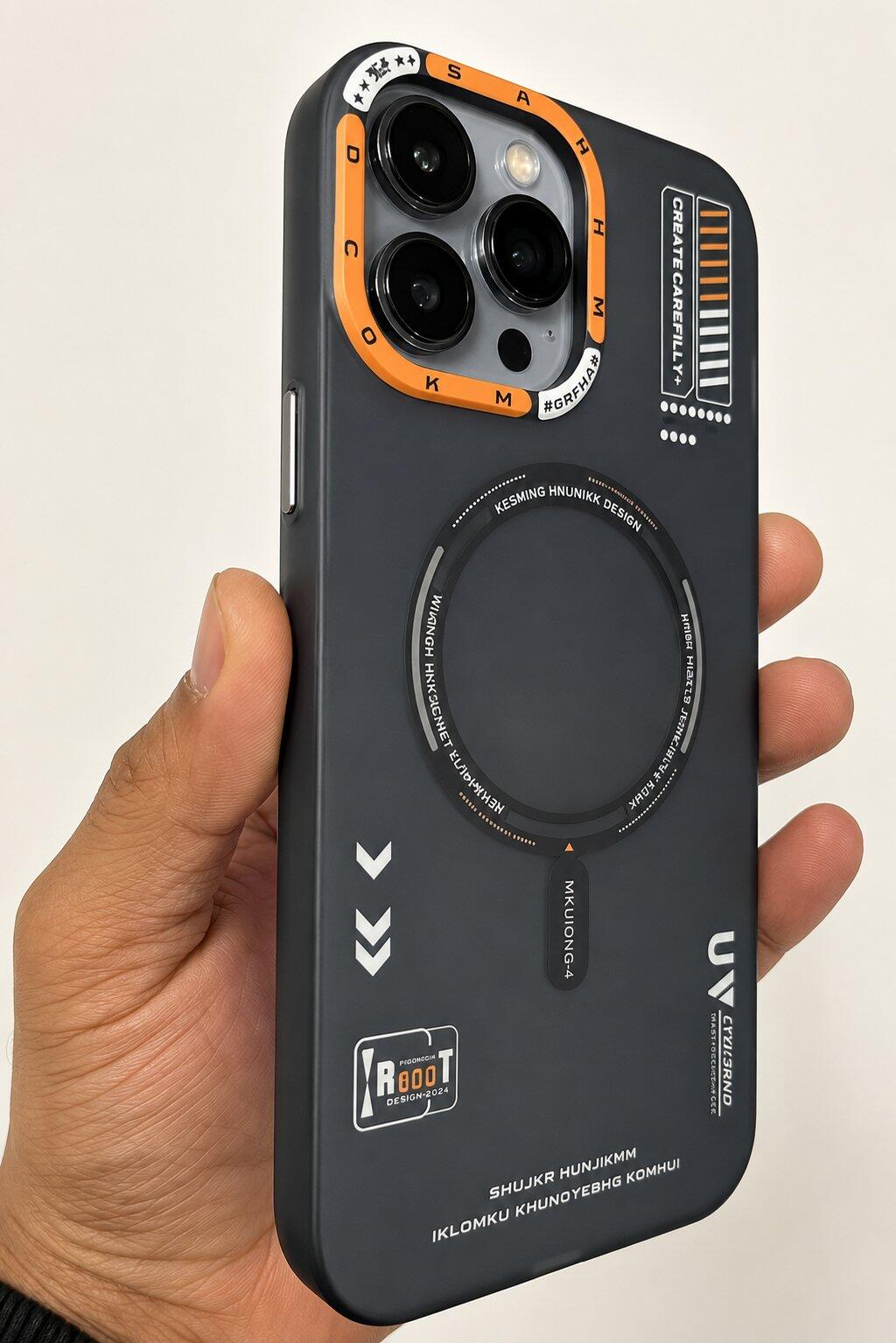
You can browse Belvin’s full range of Google Pixel 11 series cases or explore our Google Pixel 10 accessories to find a fit tailored to your daily routine. Here are two practical options designed for comfortable daily handling:
Smooth Guard Silicone Case

If your priority is a secure, comfortable hold during one-handed typing and commuting, the Smooth Guard Silicone Case offers a soft silicone finish with a reliable non-slip grip. It maintains a slim, lightweight profile that slides easily into pockets while incorporating raised camera and screen edges for everyday scratch and bump protection. Whether you are looking for a Pixel 11 silicone case or refreshing your current device, it keeps bulk to a minimum.
Belvin Vault Leather Case

For commuters and professionals who prefer carrying essential cards alongside their phone, the Belvin Vault Leather Case combines built-in card storage with a slim profile and comfortable grip. It features raised camera and screen edges to help shield flat surfaces from table scratches. Please note that the Vault case is crafted with a synthetic leather-textured finish it is not genuine animal leather.
Model Compatibility & Ordering Reminder
Phone dimensions, button placements, and camera visor cutouts vary between generations and across standard, Pro, and Pro XL tiers a case never fits interchangeably across models. Before adding an item to your cart, always select your exact phone model on the product page (such as a Pixel 11 Pro case, a Pixel 11 Pro XL case, or dedicated Pixel 10 Pro and Pixel 10 Pro XL options) and check current colour and variant availability.
Frequently Asked Questions (FAQ)
Will my Google Pixel 10 still receive new Android features after the Pixel 11 launches?
Yes. Google supports the Pixel 10 series with seven years of OS upgrades, security patches, and regular Pixel Feature Drops from its original launch date. While a handful of features may remain exclusive to newer hardware due to specific chip requirements, the core Android experience and security protections remain up to date.
Should I upgrade to the Pixel 11 if my Pixel 10 battery is draining faster than it used to?
In most cases, no. Noticeable battery drain after a year or more of heavy use is usually caused by normal lithium-ion chemical aging or rogue background apps rather than outdated phone technology. Checking your battery health or getting an authorised battery replacement is significantly more economical than buying a brand-new handset.
Can I use my existing Pixel 10 case on a new Pixel 11, or vice versa?
Do not assume cross-generation compatibility. Even sub-millimetre shifts in chassis dimensions, microphone holes, button alignment, or camera bar width can prevent a case from fitting securely. Always select a case manufactured specifically for your exact model and generation.
Is it worth stepping up from a standard Pixel 10 to a Pixel 11 Pro instead of the base Pixel 11?
If your primary frustration with the standard Pixel 10 is the lack of dedicated optical telephoto zoom for distant subjects, moving to a Pro or Pro XL tier addresses a real hardware difference that moving to the base Pixel 11 will not solve. Compare the weight, screen size, and total cost carefully before switching tiers.
Conclusion
The smartest smartphone upgrade is one driven by a clear everyday need rather than the calendar. If your Google Pixel 10 continues to handle your photos, calls, and daily apps reliably, keeping it in service and perhaps refreshing its protection is a sensible decision. Whichever generation fits your daily life, take a moment to confirm your exact device model and explore the Google Pixel 10 Series or Google Pixel 11 Series collections on Belvin to keep your phone protected for the road ahead.